Why Your Client Experience Matters More Than You Think (and How Dubsado Helps)
*This post was originally based on Episode 31 of the Systems and Workflow Magic Podcast. It has been updated to reflect current strategies, tools, and resources. Your photos could be absolutely stunning, and your editing style could stop the scroll every single time. But if your client experience feels choppy, inconsistent, or held together by memory alone, you are quietly losing referrals and repeat bookings without even realizing it. That is the part of running a photography business that nobody talks about enough.
The experience you create for families from the moment they inquire to the moment they receive their gallery is doing just as much heavy lifting as your portfolio. And if you are a family photographer who wants a calendar full of the right clients, your client experience is where the real work happens.
In this post, I am walking you through why your client experience matters more than you think, how to map out a workflow that covers every phase, and how Dubsado can help you automate the right pieces so nothing falls through the cracks.
If you have been sitting on a CRM subscription you have barely touched, or if you are still running your client process from a pile of sticky notes and mental checklists, keep reading. Curious about setting up your business backend? Grab the Backend Organization System for Family Photographers to get your operations in order before you start building workflows.
Click to listen here⬇️ OR scroll down to read the blog post version.
Why Does Your Client Experience Matter as a Photographer?
A strong client experience is the single most underrated growth strategy for family photographers because it directly drives referrals, repeat bookings, and word-of-mouth visibility. Here is the honest truth about how family photography businesses grow. Yes, your images matter. Yes, your pricing and marketing matter. But families book photographers they trust, and trust is built through how you make people feel throughout the process of working with you.
Not just during the session itself, but from the very first email exchange through gallery delivery and beyond. When a mom has a clear, thoughtful, and well-organized experience with you, she is far more likely to recommend you to her mom friends, rebook next year, and leave a review that actually says something meaningful. That kind of organic growth compounds over time, and it starts with the systems you put in place behind the scenes.
Think about your own experience as a consumer. When you work with someone who sends you clear information at the right time, answers your questions before you even have to ask, and wraps everything up with care, you remember that. You talk about it. You go back. The same thing happens for the families who hire you. If you want a contact page that converts those inquiries well, that is one of the first places your client experience starts working for you.
What Are the Four Phases of a Photography Client Experience?
The four phases of a photography client experience are inquiry, booking, session (or service delivery), and offboarding, and each one needs intentional structure. Let me break this down because this framework changed how I run my own family photography business. Every client who works with you moves through four distinct phases, and your job is to make each one feel intentional, clear, and easy for them.
Phase 1: Inquiry. This is the very first impression. What happens when a potential client fills out your contact form or sends you a DM? Do they get a quick, warm response? Is there a consistent process in place, or does it depend on whether you happen to check your email that day? The inquiry phase sets the tone for everything that follows, and if a family has to wait days to hear back from you, they have probably already moved on to someone else.
Phase 2: Booking. Once a family decides to work with you, how smooth is the booking process? Are your contracts and invoices easy to sign and pay? Or are you manually emailing PDFs and chasing down signatures? This phase should feel professional, fast, and friction-free for your clients.
Phase 3: Session (Service Delivery). This is where so many photographers shine because the actual session is what they trained for. But the experience around the session matters just as much. Are you sending prep guides? Are you sharing location tips, wardrobe suggestions, and timeline expectations before the day arrives? Are you helping families feel confident so they show up relaxed instead of stressed?
Phase 4: Offboarding. What happens after you deliver the gallery? Do your clients hear from you again, or does the relationship just fizzle out? Offboarding is where you can collect feedback, ask for reviews, share information about future mini sessions, and keep the relationship warm so they think of you first when it is time to book again. Each of these phases is an opportunity to serve your clients well and build the kind of reputation that fills your calendar year after year.
How Can Dubsado Improve Your Photography Client Workflow?
Dubsado improves your photography client workflow by automating the repetitive steps in each phase so every client gets a consistent, professional experience without you manually managing each detail. If you have been eyeing Dubsado or you bought it and it is just sitting there collecting digital dust, this is where it clicks. Dubsado is a CRM (client relationship management) platform, and its real power for photographers is that it lets you build a workflow once and run it on repeat for every single client who comes through your business. Here is what that looks like in practice:
- Automated emails and forms. You can set up prep guides, session reminders, wardrobe tips, and welcome emails to send automatically at exactly the right point in your client’s experience. No more forgetting to send that style guide you spent hours creating.
- Contracts and invoices. Booking becomes a smooth, professional process. Clients can sign their contract and pay their invoice in one sitting, without you having to chase them.
- Questionnaires. Need to collect session details like location preferences, family member names, or special requests? Dubsado lets you send a questionnaire at the right time so you have everything you need before the session.
- Feedback forms. After gallery delivery, you can automatically send a feedback survey to learn what went well and what you could improve. This is gold for refining your client experience over time.
- Surprise-and-delight triggers. You can set reminders for yourself to do something personal, like ordering a $5 board book from Amazon for a newborn client. These small, thoughtful touches stick with families, and they cost almost nothing.
One of my favorite automations is sending a family session style guide PDF immediately after booking. My clients feel prepared and taken care of, and I do not have to remember to send it for each booking. Dubsado handles it. Ready to try Dubsado? Grab 30% off your first month or year with my affiliate code here.
Does Automating Your Client Experience Make It Feel Impersonal?
No. Automating your client experience actually makes it more personal because it frees you up to show up with energy and attention where it matters most, while ensuring no client ever falls through the cracks. This is a concern I hear all the time from photographers, and I completely understand it. You got into this business because you love people. The idea of “automating” your client process can feel like you are removing the human element. But the opposite is true. When you automate the repetitive pieces (sending contracts, delivering prep guides, scheduling reminders), you protect your energy and your time so you can pour into the parts of the experience that genuinely require you.
Things like responding to a nervous mom’s text about her newborn session, handwriting a thank-you card, or showing up on session day fully present instead of mentally running through a checklist of what you forgot to send. Automation does not replace your personal touch. It protects it. Every single client gets the same high-quality experience because the system runs consistently, regardless of how busy your week is or how many sessions are on your calendar.
How Do You Map Out Your Client Workflow Before Setting Up Dubsado?
Map out your client workflow by listing every single interaction a client has with your business, from inquiry through offboarding, then identify which steps can be automated and which need a personal touch. Before you open Dubsado and start clicking around, you need to do the unsexy-but-critical work of mapping out your entire client process on paper first. I know this is not the glamorous part, but it is the part that makes everything else work. Here is how to do it:
- Write down every single thing you send or do for a client: every email, every PDF, every text, every invoice, every reminder. Include the small things too, like ordering a client gift or checking in before a session.
- Organize those items into the four phases. Sort each item into inquiry, booking, session prep/delivery, or offboarding.
- Highlight what is missing or inconsistent. Are there phases where you are winging it every time? Are there things you only remember to do for some clients but not others? Those gaps are where your client experience breaks down.
- Decide what to automate and what to keep manual. Some things belong on automation (contracts, invoices, prep guide emails, feedback surveys). Other things should stay personal (a voice message before session day, a handwritten note in a gift bag). The goal is a hybrid approach in which the system handles the consistent pieces, and you handle the human ones.
- Build it inside Dubsado. Once you have your workflow mapped out, you can set up the automated pieces in Dubsado with confidence, knowing exactly what goes where and why.
If you want a tool to help you organize your entire business backend before building workflows, the Backend Organization System for Family Photographers is a Trello-based system that lays the groundwork.
What Are Easy Automation Wins Inside Dubsado for Family Photographers?
The easiest Dubsado automation wins are auto-sending your style guide after booking, triggering your contract and invoice at inquiry, and scheduling a feedback survey after gallery delivery. If you are feeling overwhelmed by the idea of automating your entire client workflow at once, do not try to do it all in a single afternoon. Start with one phase and build from there. Here are a few quick wins that make a noticeable difference right away:
- Auto-send your session prep guide after booking. This is probably the single most impactful automation you can set up. Your clients get a guide covering what to wear, how to prepare, location details, and what to expect, and it arrives in their inbox without you lifting a finger.
- Trigger your contract and invoice to send right after the inquiry. When a family is ready to book, make the process fast and easy. No waiting for you to email documents manually. The faster they can sign and pay, the less likely they are to second-guess the booking.
- Schedule a feedback survey after gallery delivery. Set this to send a week or two automatically after you deliver their images. The feedback you collect will show you exactly where to refine your process, and it also opens the door for asking for a Google review.
- Set reminders for personal touches. Use Dubsado’s task or Dubsado’s features to prompt yourself to do the manual, human things, like ordering a client gift, sending a birthday message, or reaching out about booking for next year.
The beauty of starting with one phase is that you build confidence in the system. Once you see it working, you will want to set up the next phase, and the next, until your entire workflow is running with purpose. Want to go deeper into building a full photography workflow? Check out the Family Photographer’s Workflow Blueprint for a detailed, done-for-you approach.
How Does a Strong Client Experience Lead to More Bookings?
A strong client experience leads to more bookings because happy clients become your best marketing channel through referrals, reviews, and repeat sessions. I want to connect the dots on this because it is easy to think of “client experience” as a nice-to-have. It is not. It is a direct line to growing your business.
Families talk.
When a mom has an amazing experience working with you, from the easy booking process to the beautiful session to the thoughtful gallery delivery, she tells her mom friends. She posts about it. She tags you. She books again next year and brings her sister-in-law along.
That kind of word-of-mouth marketing is more powerful than any Instagram strategy, and it is built entirely on how well you structure the experience behind the scenes. Your client experience is also a reflection of your brand. When every family gets the same level of care and professionalism, you build a reputation for reliability.
And that reputation is what families are looking for when they search for a photographer in your area. They want to know they are in good hands, and a strong client experience proves it before you even pick up the camera. If you are curious about how families find and choose photographers, the Family Photographers Marketing Trends Report breaks down the latest data on how families search and what they look for before booking.
Start Building Your Client Experience Workflow Today
Your families will not always remember every single image from their session, but they will remember how working with you made them feel. That is the piece you have full control over, and it is the piece that brings them back. Here is your action plan:
- Map out your current client process from inquiry to offboarding using the four-phase framework.
- Identify the gaps where things are inconsistent or missing.
- Pick one phase to automate inside Dubsado and get it running.
- Add personal touches where they count most.
- Collect feedback and refine as you go.
You do not need a perfect system on day one. You need to start with intention and build from there. Your next step: Grab 30% off Dubsado with my affiliate link and start building the client workflow your families deserve. 
Frequently Asked Questions About Client Experience and Dubsado for Photographers
What is a client experience in photography? A client experience is the full journey a family goes through when working with you, from the first inquiry to the final gallery delivery and beyond. It includes every email, form, guide, and personal interaction they receive throughout the process.
Is Dubsado worth it for family photographers? Yes. Dubsado gives family photographers a single platform to manage contracts, invoices, questionnaires, automated emails, and workflows. It removes the need to track every step of the client process manually and helps you deliver a consistent experience to every family.
Can I automate my client experience and still keep it personal? You can. The best approach is a hybrid workflow where repetitive steps, such as sending contracts, prep guides, and feedback surveys, are automated. At the same time, personal touches like handwritten notes or voice messages remain manual. Automation protects your time so you can be fully present where it matters.
How do I know if my client experience needs work? If you are frequently forgetting to send important documents, getting the same questions from clients that should have been answered earlier in the process, or not hearing back from past clients for rebookings, those are signs your workflow has gaps that need attention.
What is the best CRM for photographers? Dubsado is one of the most popular CRM platforms for photographers because it is built for service-based businesses and allows you to customize every workflow, form, and email template to match your brand and process.
Did you like this episode? Please share it on Pinterest.
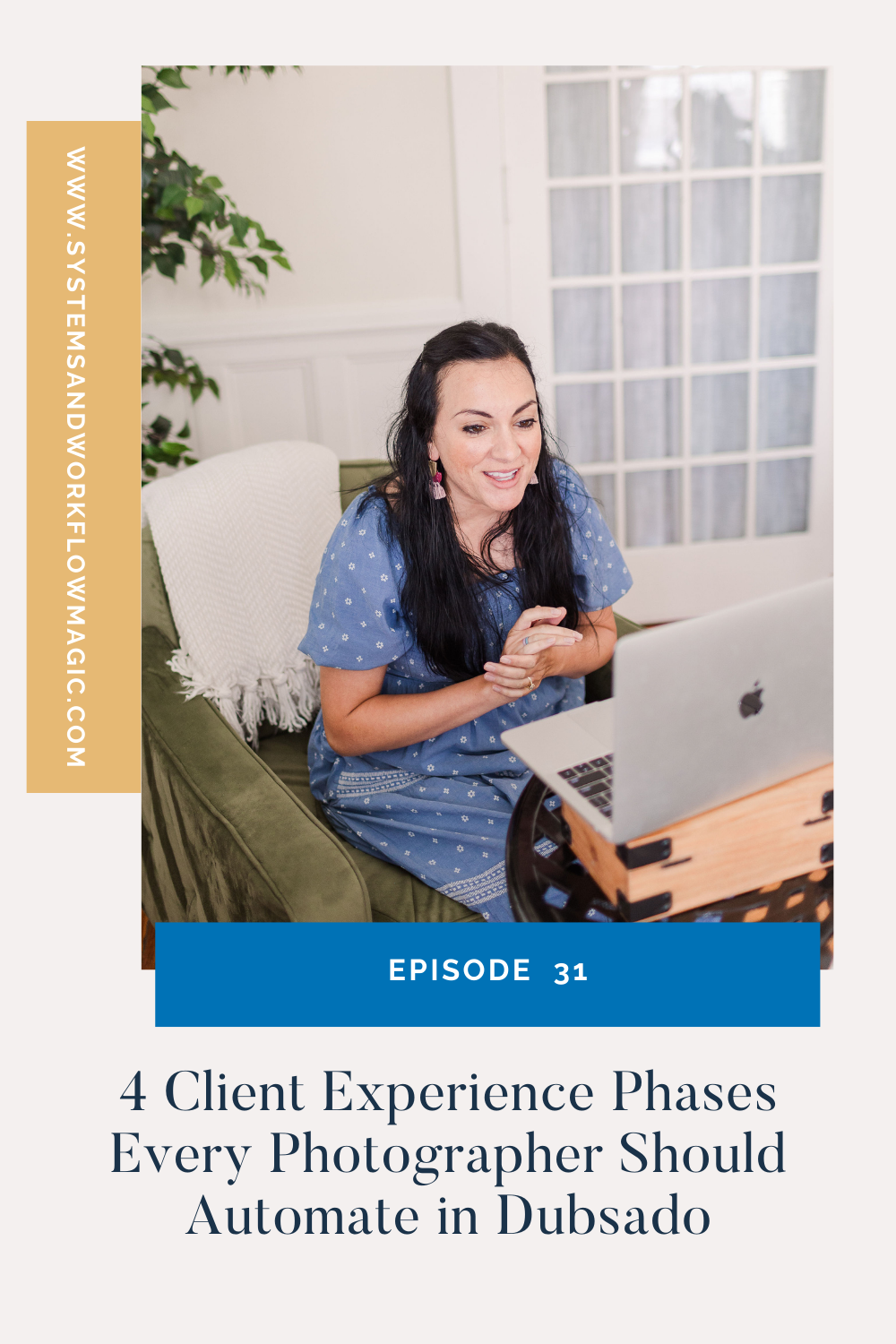
Meet Your Favorite Marketing Strategist and Business Coach for Family Photographers (Dolly DeLong Education)

Hi, I’m Dolly DI’mng, a Nashville-based family photographer, marketing strategist, and systems educator for family photographers who want structure, clarity, and consistency in their marketing.
My photography journey began in 2006, and over the years, I built a sustainable family photography business while navigating motherhood, client work, and the realities of running a solo creative business. Along the way, I discovered something unexpected: I loved the backend just as much as the creative side.
What started as organizing my own workflows turned into helping other family photographers simplify their marketing, build repeatable systems, and stop relying on last-minute posting or panic marketing.
Today, I focus exclusively on helping family photographers intentionally market their businesses (not with trends but with consistently showing up).
I offer two ways to work with me:
-
The Family PhotographePhotographer’sSociety: a systems-first membership that provides a clear weekly marketing cadence for Instagram and email, so you always know what to focus on without starting over.
-
1:1 Strategic Marketing Support for established family photographers who want hands-on guidance in building a sustainable, SEO-supported marketing system.
Through my blog, podcast, and YouTube channel, I teach family photographers how to think like marketers, plan, and create marketing rhythms that support both their business and their family life.
I still photograph families around Nashville because it’s one of my grit’sst joys. But helping family photographers build calm, consistent marketing systems that actually fit real life is a close second.
I’m so glad you aI’mhere, reading this blog, listening to the podcast, or watching the embedded YouTube video. I hope this educational content was helpful. Please let me know what future systems content you would like me to create!
more on me • more on me

More about dolly
Hi, I’m Dolly — a family photographer, marketing strategist, and systems & workflow educator for family photographers who want to find joy (and order) in their business again. Because I still work behind the camera, I understand firsthand how overwhelming the backend of a creative business can feel.
With my launch-strategist brain and a deep love for simple systems, I help photographers build intentional marketing rhythms and workflows that make it easier to show up consistently, attract the right clients, and actually enjoy running (and marketing) their business.
Through my blog, podcast, and YouTube education, I share actionable steps, real talk, and encouragement — all rooted in faith and intention — to help you bring clarity and confidence to your marketing and everyday systems. Because sustainable growth isn’t built on hustle or speed, but on thoughtful planning, consistency, and care.
part cheerleader. part systems guide.
But all dolly.
I'm Dolly

Watch now
This training covers the elements you should include in your photography business contact form.
How to create a contact page that WOWS & converts
no 03. | free training

Download now
Access my exact checklist I use to create my mini sessions every year in Dubsado
The Dubsado
Mini-Session Master Workflow Checklist
no 02. | DOWNLOAD

Get the free guiide
These evergreen posts build confident & consistent marketing
5 Instagram posts every family photographer should be sharing
no 01. | download