How to Use AI for Your Photography Marketing
How much time did you actually spend on marketing your family photography business last week? Not a rough guess. Not an “I feel like I marketed.” The actual hours. If you are like most family photographers I work with, you either have no idea or the number makes you wince. Marketing gets shoved to the back burner because you are busy editing, shooting, managing inquiries, and raising a family.
Then one slow week hits, and suddenly you are scrambling to post something, anything, just to stay visible. That cycle has a name: reactive marketing. And it is exhausting. Here is the good news. AI tools can cut your weekly marketing time dramatically, and the content can still sound like you. In this post, I am walking you through the exact marketing system I use every single week, how I trained AI to match my brand voice, and how you can build your own version of this so marketing stops eating your entire schedule.
If you want a head start on building out your own long-form content system, check out my Blogging and Organic Visibility System for Family Photographers. I created it specifically for photographers who know they need to blog but want a repeatable process to follow every time.
Watch the YouTube Version of this Blog here 🎥
Listen to the Podcast Version here 🎙️
Or Continue To Read The Blog ⬇️
Why Should Family Photographers Use AI for Marketing?
AI marketing tools help family photographers create consistent, on-brand content in a fraction of the time it would take to write everything from scratch. Let me be very clear: I am not talking about opening ChatGPT, typing “write me an Instagram caption,” and copy-pasting whatever generic output it gives you. That approach produces content that sounds robotic, and your audience can spot it immediately. The kind of AI marketing I am talking about is trained, intentional, and still very much guided by your personality.
The real reason AI works for family photographers is that most of us are solo business owners.
There is no marketing team. There is no copywriter on retainer. There is just you, your camera, and about fifteen browser tabs you have been meaning to get back to.
AI fills the gap between “I know I should be marketing” and “I have three hours max to make it happen.” When I started using AI with intention, my weekly marketing went from roughly six to ten hours down to two to three hours. Same number of platforms. Same quality. Way less stress.
What Is a Brand Voice Guide and Why Does It Matter for AI?
A brand voice guide is a written document that tells your AI tool exactly how you speak, what words you use, what words you never use, and what your content should feel like to a reader. Think about it this way. If you hired a virtual assistant on day one and said, “write me a caption in my voice,” they would have no idea what that means. You would train them. You would give them examples. You would tell them your preferences and pet peeves.
Your AI tool needs the same onboarding. When you feed a generic prompt into ChatGPT or Claude without any brand context, the output is going to sound like every other AI-generated caption on the internet. But when you upload a brand voice guide that covers your tone, your vocabulary, your audience, and (this is the important part) a list of words and phrases you never want to see in your content, the output shifts dramatically. For example, my brand voice guide specifically tells Claude that I do not use phrases like “boss babe” or “she-EO.” Those words will never appear in my captions, my emails, or my blog posts because I trained my AI tool to avoid them. You can do the same with whatever language feels off-brand for your business.
Creating your brand voice guide takes two to three hours. I recommend setting aside a weekend morning to get it done. It is a one-time investment that improves every single piece of content your AI tool produces going forward. If you are wondering what to include in your brand voice guide, think about these areas:
- How you want your content to sound (warm and casual? professional and direct?)
- Words and phrases you use often
- Words and phrases you never want in your content
- Examples of emails, captions, or blog posts that sound like you
- Who you are talking to (your ideal client)
- The topics you teach and talk about most
Once that guide is ready, you upload it into your preferred AI tool, and it becomes the foundation for everything that follows.
How Do You Set Up AI Tools to Match Your Photography Brand?
Set up dedicated AI projects or custom GPTs, each trained on your brand voice guide and assigned to one specific marketing task. I use Claude for my content, and what I love about it is the projects feature. Each project is trained to do one thing well. Think of each project as a highly focused virtual assistant with a single job. Here is what my setup looks like:
My five AI marketing projects:
- Email marketing project: Trained with my brand voice, past email examples, and formatting preferences for weekly newsletters
- Google Business Profile project: Trained to write short, keyword-friendly updates for my Google Business listing
- Pinterest project: Trained to create Pinterest-optimized pin descriptions and titles
- Instagram captions project: Trained for carousel posts, static posts, and caption copy that fits the platform
- LinkedIn project: Trained for longer-form posts with a professional yet personal tone
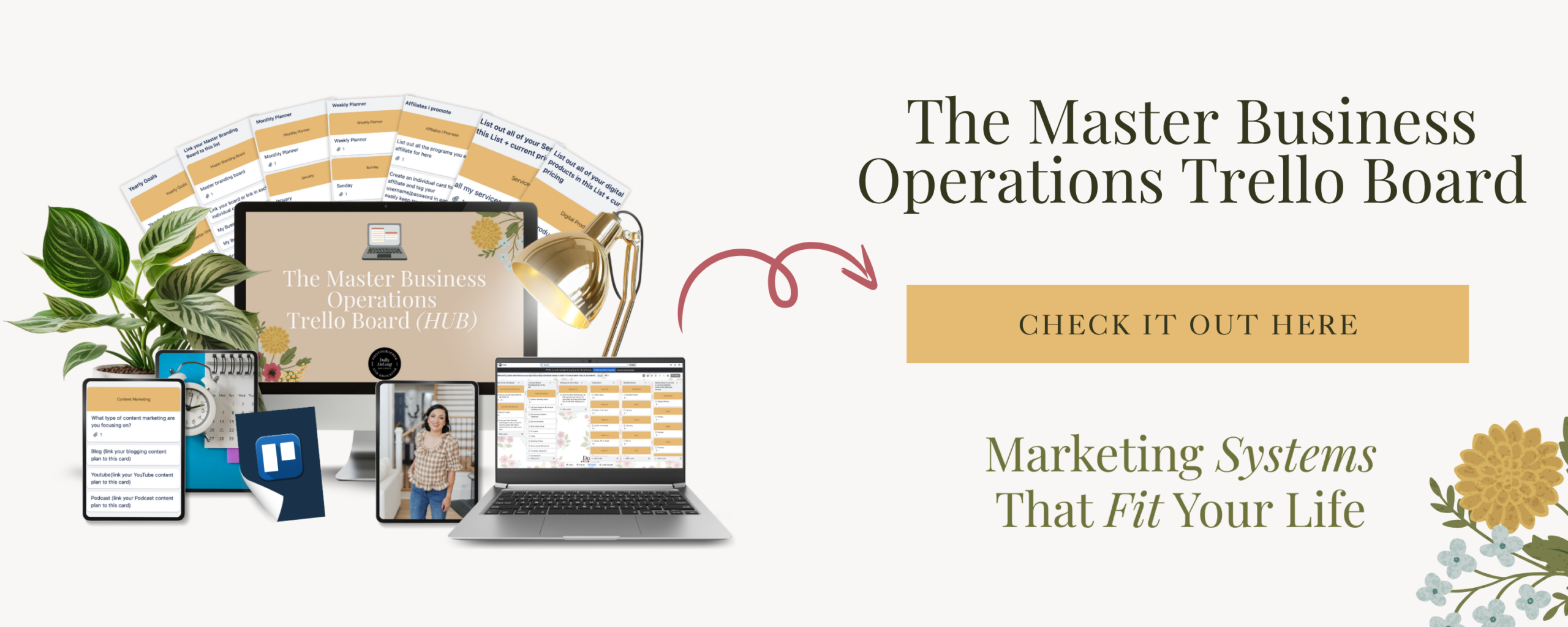
Each project has my brand voice guide uploaded, along with specific instructions for that platform. The Pinterest project knows that pins need keyword-rich descriptions. The Instagram project knows my audience engages with carousel-style educational content. The email project knows how I open my newsletters and where I place my calls to action. This is my version of what I call the PIGFEL system: Pinterest, Instagram, Google My Business, Facebook (which I have since removed), Email, and LinkedIn. I learned this multi-platform framework from my business peer Rebecca Read, and it has shaped how I think about distributing content across channels. If you want to track all of these marketing tasks in one place, my Backend Organization System (Trello Board) is built for exactly this. It gives you a bird’s-eye view of your weekly marketing tasks so nothing falls through the cracks.
What Does a Weekly AI Marketing Workflow Look Like?
A weekly AI marketing workflow starts with one long-form piece of content and runs it through platform-specific AI projects to create an entire week of marketing in two to three hours. I used to preach about batching content 30 days ahead of time. That worked before I had multiple kids and a busier schedule. Now I plan my marketing one week at a time, and that shift has been a relief. Here is how my weekly marketing workflow goes:
Step 1: Create or publish one long-form piece of content. For me, that is usually a blog post or a podcast episode. This is the anchor content that feeds everything else.
Step 2: Run that content through each AI project. I take the blog post and input it into my email marketing project to draft a newsletter. Then I put it through my Pinterest project for pin descriptions. Then Instagram for captions. Then Google Business for a short update. Each project already knows my voice, my formatting preferences, and what works on that specific platform.
Step 3: Review, tweak, and schedule. I do not auto-post anything. I read every single output, make small adjustments where needed, double-check links and spelling, and then schedule everything out. The bulk of the creative work is handled by the AI, but my eyes are on every piece before it goes live.
The whole process takes me about two to three hours per week. Compare that to the six to ten hours I used to spend creating content from scratch for every single platform. That is a massive time savings, and it frees me up for other areas of my business like networking, education, and actually shooting sessions. If you have been wanting to build a consistent marketing system but the time commitment felt impossible, this is a realistic approach. You are not handing your brand over to a robot. You are giving yourself a trained assistant who gets your voice right and lets you focus on the parts of your business that need your human attention.
How Do You Keep AI Content Sounding Authentic?
AI content stays authentic when you train your tool with your actual voice, review every output before publishing, and treat AI as an assistant rather than a replacement. This is the question I get most, and I understand the hesitation. Nobody wants their audience to read a caption and think “a computer wrote that.” Here is what keeps my AI content sounding like me: I trained Claude with my podcast transcripts.
I have over five years of podcast episodes, which means Claude knows my inflection, my humor, and the way I naturally explain concepts. It knows I have a dorky sense of humor. It knows the phrases I reach for and the ones I avoid. That level of training makes a noticeable difference in output quality.
I review and edit every single piece of content. Some outputs need almost no changes. Others need a tweak here or there. But I always read through everything with the question: “Would I actually say this?” If the answer is no, I adjust it.
I treat AI as an assistant, not a ghostwriter. The AI handles the first draft and the platform-specific formatting. I bring the strategy, the personal stories, and the final quality check. That partnership is what makes it work. Your audience trusts you because of your perspective, your experience, and your personality. AI helps you share those things more consistently without burning out.
Frequently Asked Questions About AI Marketing for Family Photographers
Do I need to be tech-savvy to use AI for my marketing? No. If you can type a prompt and upload a document, you can use AI tools for marketing. Start with one project (like email marketing) and build from there as you get comfortable.
Which AI tool is best for photographers? I personally use and love Claude for its output quality and project features. ChatGPT is another popular option. Both work well when you invest time in training them with your brand voice.
Will my audience know AI helped create my content? Not if you train your AI tool properly and review every output. A well-trained AI project with your brand voice guide will produce content that reads as you wrote it, because the voice, the structure, and the perspective are all yours.
How long does it take to set up an AI marketing system? Plan for a weekend to create your brand voice guide (two to three hours) and another few hours to set up your first AI projects. After that initial investment, your weekly marketing time drops significantly.
Can I use AI to write my blog posts, too? Yes, and I recommend it. If you want a structured system for blog content specifically, my Blogging and Organic Visibility System walks you through the entire process, and I have created both a Claude version and a ChatGPT version so you can choose whichever tool you prefer.
Your Next Step
You do not need to overhaul your entire marketing system overnight. Start with one thing: create your brand voice guide this weekend. That single document will change the quality of every AI-generated output you produce from this point forward.
My recommendation for your brand voice guide is Gemma’s, which is here (and NO, this is NOT an affiliate link!)
And if you are ready to build a consistent blogging and content system for your photography business, grab my Blogging and Organic Visibility System for Family Photographers. It gives you the full workflow, the AI prompts, and the promotion checklist to keep your content marketing running week after week. 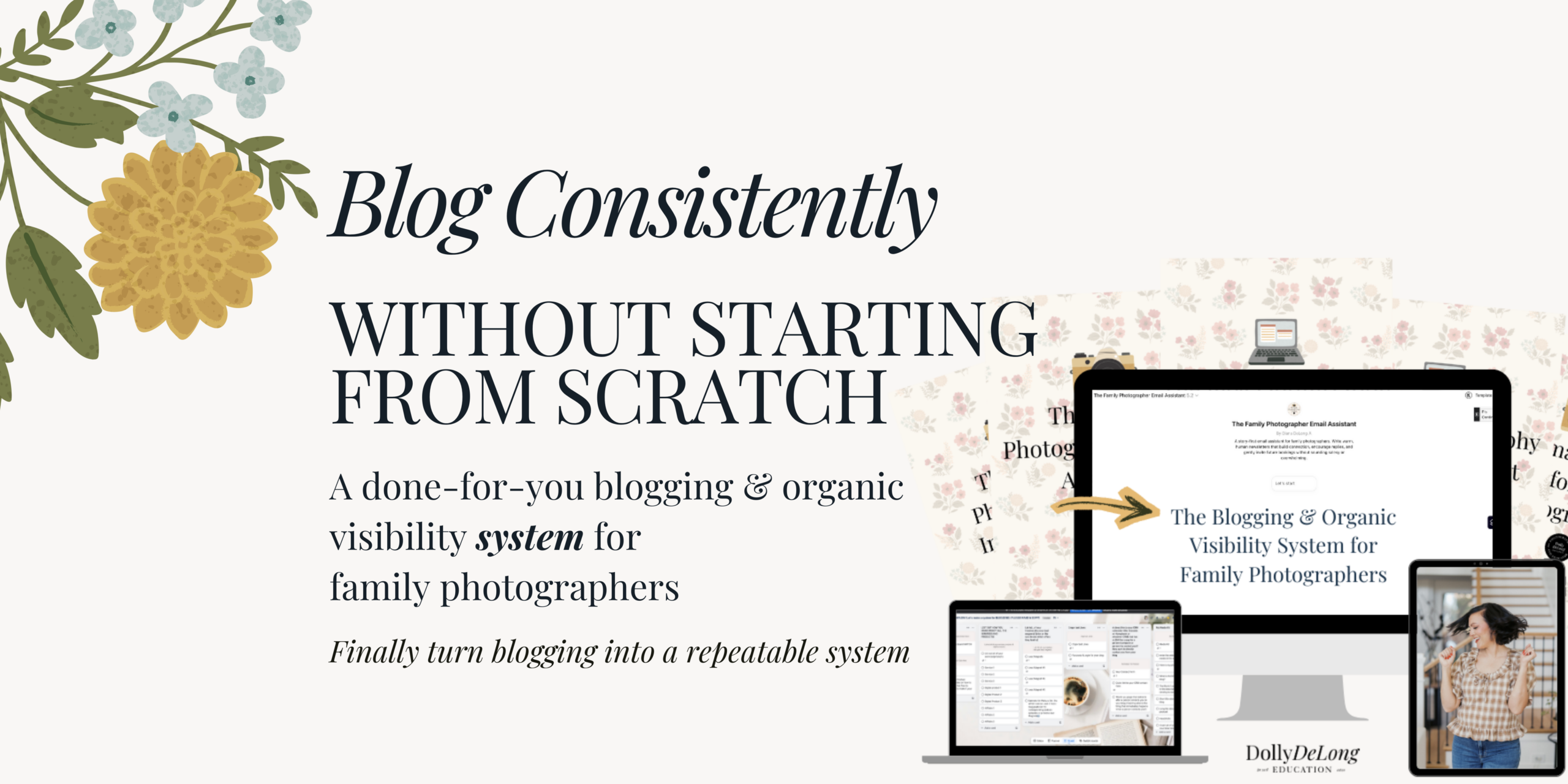 You can also explore more of my business tools and resources for family photographers to find the right systems for where you are in your business right now.
Meet Your Favorite Marketing Strategist and Business Coach for Family Photographers (Dolly DeLong Education)

Hi, I’m Dolly DeLong, a Nashville-based family photographer, marketing strategist, and systems educator for family photographers who want structure, clarity, and consistency in their marketing.
My photography journey began in 2006, and over the years, I built a sustainable family photography business while navigating motherhood, client work, and the realities of running a solo creative business. Along the way, I discovered something unexpected: I loved the backend just as much as the creative side.
What started as organizing my own workflows turned into helping other family photographers simplify their marketing, build repeatable systems, and stop relying on last-minute posting or panic marketing.
Today, I focus exclusively on helping family photographers intentionally market their businesses (not with trends but with consistently showing up).
I offer two ways to work with me:
-
The Family Photographer’s Marketing Society: a systems-first membership that provides a clear weekly marketing cadence for Instagram and email, so you always know what to focus on without starting over.
-
1:1 Strategic Marketing Support for established family photographers who want hands-on guidance in building a sustainable, SEO-supported marketing system.
Through my blog, podcast, and YouTube channel, I teach family photographers how to think like marketers, plan ahead, and create marketing rhythms that support both their business and their family life.
I still photograph families around Nashville because it’s one of my greatest joys. But helping family photographers build calm, consistent marketing systems that actually fit real life is a close second.
I’m so glad you are here, reading this blog, listening to the podcast, or watching the embedded YouTube video. I hope this educational content was helpful. Please let me know what future systems content you would like me to create!
more on me • more on me

More about dolly
Hi, I’m Dolly — a family photographer, marketing strategist, and systems & workflow educator for family photographers who want to find joy (and order) in their business again. Because I still work behind the camera, I understand firsthand how overwhelming the backend of a creative business can feel.
With my launch-strategist brain and a deep love for simple systems, I help photographers build intentional marketing rhythms and workflows that make it easier to show up consistently, attract the right clients, and actually enjoy running (and marketing) their business.
Through my blog, podcast, and YouTube education, I share actionable steps, real talk, and encouragement — all rooted in faith and intention — to help you bring clarity and confidence to your marketing and everyday systems. Because sustainable growth isn’t built on hustle or speed, but on thoughtful planning, consistency, and care.
part cheerleader. part systems guide.
But all dolly.
I'm Dolly

Watch now
This training covers the elements you should include in your photography business contact form.
How to create a contact page that WOWS & converts
no 03. | free training

Download now
Access my exact checklist I use to create my mini sessions every year in Dubsado
The Dubsado
Mini-Session Master Workflow Checklist
no 02. | DOWNLOAD

Get the free guiide
These evergreen posts build confident & consistent marketing
5 Instagram posts every family photographer should be sharing
no 01. | download