What to Put on Your Mini Session Landing Page (7 Sections)

What to Put on Your Mini Session Landing Page (7 Sections)
If you have ever announced mini sessions on Instagram, watched 20 families comment “interested,” and then barely booked any spots, look at where you sent those families after they raised their hands. For most family photographers I teach, the answer is a link in bio that lands on the homepage, a contact form that says “email me for details,” or a long caption they have to scroll back up to find (which they will give up on).
None of those is a mini session landing page, none is set up for SEO, and none has a strategy behind it. That missing page is often where interest stalls before it turns into a booking. A strong page has seven sections: the top of the page, who it is for, what is included, a sample gallery, testimonials, an FAQ, and a booking button. Below, I walk through each one and how it maps to my 4C Framework (Connect, Clarify, Celebrate, Call to Action).
Want the back end to match? Grab my free Dubsado Mini Session Master Checklist, which covers the workflow side of all seven sections. If SEO on your website (and blogging) still feels fuzzy, start with the Blogging and Organic Visibility System for Family Photographers.
🎥Watch This On YouTube
🎙️Listen To The Podcast Version Here
💻Or Continue To Read The Blog Post
What Is a Mini Session Landing Page?
A mini session landing page is one page on your website built for one mini session event, with one job: taking a family from interested to booked.
Every email, Instagram story, Facebook group post, and text to a past client about that event points to this one link. You stop answering the same questions in your inbox, and Google gets one clear page about your event.
Why Do Family Photographers Need a Separate Mini Session Landing Page?
Your services page covers every offer. A mini session page answers one event’s questions fast for a busy mom reading on her phone between tasks.
Picture your client tapping your link. She is in the school pickup line or on the couch after bedtime, and then the dog barks or a kid needs a snack. Your tab sits open, and she forgets about it. A page that hands her every answer in one place gives her a real chance to book before life interrupts her.
Photographers skip this page because it takes time; they fear minis will hurt full session bookings, or SEO feels confusing. I have run my family photography business full-time since 2018, and I offer both full sessions and minis. In my business, minis haven’t stopped me from booking full sessions.
What Should You Put on a Mini Session Landing Page?
Seven sections: the top of the page, who it is for, what is included, a sample gallery, testimonials, an FAQ, and a booking button to your scheduler.
Most sections map to one part of the 4C Framework. When a page is not booking, the missing C is the first place I look.
Section 1: The Top of the Page
Before she scrolls, a family needs five things: the session name, the date, the location, the price, and a booking button that goes straight to your scheduler. I use Dubsado, and HoneyBook or another scheduler works the same way (or a similar one).
Skip the cute headline. “Holiday Magic” tells her nothing, while “Santa Mini Sessions in (insert your city + state) tells her what and where, and it matches the phrase families type into Google. Plus, it’s more SEO friendly!
Here is my test. Pull the page up on your phone and look at what shows before you scroll. Could a mom decide whether this works for her family from that screen alone? If she has to hunt for the date or the price, she might close the tab. And if the price is not on the page at all, you will answer “how much are your minis?” in your DMs all season long. OH M GEEEE, nobody has time for that.
Section 2 (Connect): Who It Is For and What It Is Like
Write one or two short paragraphs in your client’s words about her real life. Compare these two lines:
- Describes your service: “15-minute session at a beautiful location.”
- Describes her life: “If you want one photo of all three kids looking at the camera for this year’s Christmas card, without paying for a full session or bribing anyone for an hour, this is for you.”
Say who the session is not for, too. Minis are built for one family unit, so link to your full session page for anyone planning a photo with 15 relatives. Add one strong image from this location or setup so she can picture her own family there.
Section 3 (Clarify): What Is Included
Keep this short and scannable:
- Session length
- The number of images a family can expect
- When and how galleries are delivered
- A location reminder
- Payment terms, deposit or full payment
I require full payment up front for my minis, and that line lives right here. Vague copy turns into inbox questions, so be specific.
Section 4 (Celebrate): The Sample Gallery
Show 6 to 12 images from this exact location or setup, in the editing style families will receive. Include toddlers, siblings, a new baby, and the dad who did not want to be there and ended up laughing in every frame. If the location is new to you, use your closest similar work and say so on the page. Never pass off another location, or another photographer’s work, as this one.
Two back-end notes, because I cannot help myself. Compress every image before you upload it (I use squoosh.app), since a slow page on a phone can lose a family in seconds. Then give every image a real file name and alt text that describes the image and location, instead of IMG_1234567.jpg. My Alt Text Assistant gives you a repeatable system for that.
Section 5 (Celebrate): Mini Session Testimonials
Two to four testimonials from mini session clients is plenty. A mini session mom worries about different things: Will my kids cooperate in 15 minutes? Will it feel rushed? Will I get enough images? The best testimonials answer those exact questions.
No mini session testimonials yet? That is a workflow gap with an easy fix. Add a testimonial request to your mini session workflow a few days after gallery delivery, and next season this section fills itself.
Section 6 (Clarify): Your FAQ
These are the questions you answer by DM every season: What if it rains? Can we bring the dog? Can grandparents jump in? What should we wear? Can I buy more images? What if my toddler melts down? What is your reschedule and refund policy?
To build the list, keep a running note on your phone during mini season and add every question you get by DM, email, or text. Anything you answer more than once goes on next season’s FAQ.
Let me nerd out for a second. More families ask AI tools like ChatGPT, Google’s AI Overviews, and Perplexity things like “what should we wear for Christmas minis?” and those tools pull answers from websites. Write each question the way a mom would type it, answer it in the first sentence, and keep the FAQ as real text, since words baked into a graphic are hard for search engines and AI tools to read.
Section 7 (Call to Action): The Booking Button
Your button text should say what happens next. “Book your Santa mini” is clear, while “Submit” and “Learn more” are not. The button goes straight to the scheduler where she picks a time and pays, because every extra step between “I want this” and “booked” is a place she can get distracted. Repeat it three times: at the top, after the gallery, and at the end. Mention a deadline or limited spots only if it is true.
Then map what happens after she pays: a confirmation email with the date, time, and address, plus a contract, a prep guide, and a reminder. I build this in Dubsado (here is my Dubsado discount link) and show the setup in my Dubsado how-to video. Not on Dubsado? Grab the 24 to 48-hour pre-session checklist so every client gets the same experience.
When your minis sell out, do not take the page down. Swap the buttons for a waitlist or email signup, so those families hear first next season, and you grow your list in the meantime. I run my list in Flodesk, and here is my Flodesk discount code.

How Do You Reuse Your Mini Session Landing Page Every Season?
Build your first mini session landing page as a template, then duplicate it each season and swap the date, location, price, gallery, and FAQs.
This works best for events you run every year, like spring minis at the same spot or your annual Santa minis. One event gets one page, and every link points there. I build mine in Showit, and you can get a month of Showit with my link, though Squarespace and Wix work for this too.
How Do You Check Your Mini Session Page With the 4C Framework?
Ask four questions: does it Connect, Clarify, Celebrate, and end in a clear Call to Action? The missing C shows you where the page needs work.
- Connect: Does the page say who the session is for, and who it is not for, in her words?
- Clarify: Does it spell out what is included, and does the FAQ answer the questions you keep getting?
- Celebrate: Do the gallery and testimonials show the receipts that families loved working with you?
- Call to Action: Is there one clear button, repeated three times, that goes straight to booking?
A “no” on any of these is your homework for next season. Nailed it on all four? YES, now save that page as a template.
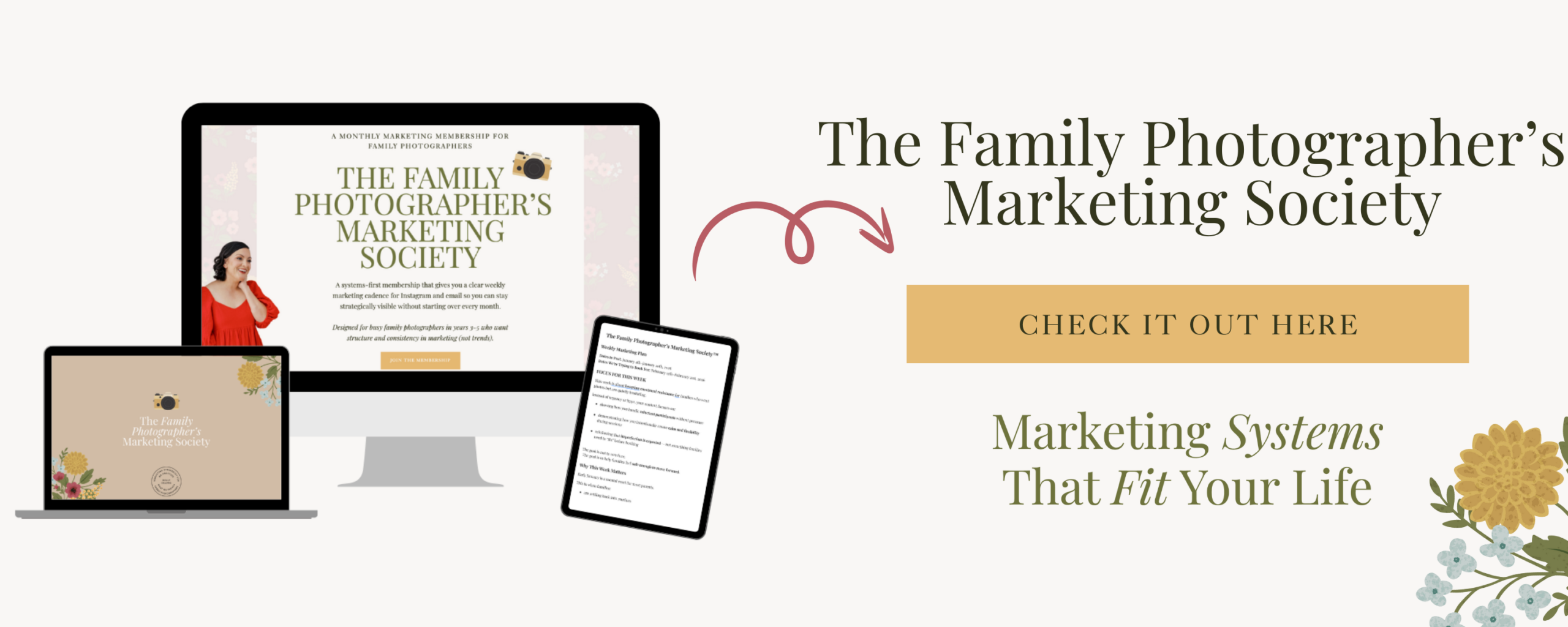
Want to watch me build one? My Showit landing page tutorial, SEO setup included, will live only inside The Family Photographer’s Marketing Society. Join before December 1, 2026 to keep the $40 a month founding rate for as long as you stay a member.
Frequently Asked Questions About Mini Session Landing Pages
Should I put my mini session price on the landing page? Yes. Put the price near the top so families can decide faster, and you answer fewer “how much?” messages all season.
Where should the book now button link? Link it straight to your scheduler, where a family picks a time and pays. A contact form in between adds a step where she can get distracted.
What should I do with my landing page after minis sell out? Keep the page live and swap the booking buttons for a waitlist or email signup, so those families hear first when the next round opens.
What Is the Next Step for Your Mini Session Landing Page?
Pick one recurring mini session event, build its landing page with all seven sections, and point every email, story, and text to that one link.
Build it once, check it with the 4C Framework, and grab the Dubsado Mini Session Master Checklist so the back end of your minis matches the page. I am here to help you create a consistent marketing cadence (aka workflow). Stay streamlined and magical, you amazing muggle you.
Meet Your Favorite Marketing Strategist and Business Coach for Family Photographers (Dolly DeLong Education)

Hi, I’m Dolly DeLong, a Nashville-based family photographer, marketing strategist, and systems educator for family photographers who want structure, clarity, and consistency in their marketing.
My photography journey began in 2006, and over the years, I built a sustainable family photography business while navigating motherhood, client work, and the realities of running a solo creative business. Along the way, I discovered something unexpected: I loved the backend just as much as the creative side.
What started as organizing my own workflows turned into helping other family photographers simplify their marketing, build repeatable systems, and stop relying on last-minute posting or panic marketing.
Today, I focus exclusively on helping family photographers intentionally market their businesses (not with trends but with consistently showing up).
I offer two ways to work with me:
-
The Family Photographer’s Marketing Society: a systems-first membership that provides a clear weekly marketing cadence for Instagram, email marketing and long-form content marketing, so you always know what to focus on without starting over.
-
1:1 Strategic Marketing Support for established family photographers who want hands-on guidance in building a sustainable, SEO-supported marketing system.
Through my blog, podcast, and YouTube channel, I teach family photographers how to think like marketers, plan ahead, and create marketing rhythms that support both their business and their family life.
I still photograph families around Nashville because it’s one of my greatest joys. But helping family photographers build calm, consistent marketing systems that actually fit real life is a close second.
I’m so glad you are here, reading this blog, listening to the podcast, or watching the embedded YouTube video. I hope this educational content was helpful. Please let me know what future systems content you would like me to create!
more on me • more on me

More about dolly
Hi, I’m Dolly — a family photographer, marketing strategist, and systems & workflow educator for family photographers who want to find joy (and order) in their business again. Because I still work behind the camera, I understand firsthand how overwhelming the backend of a creative business can feel.
With my launch-strategist brain and a deep love for simple systems, I help photographers build intentional marketing rhythms and workflows that make it easier to show up consistently, attract the right clients, and actually enjoy running (and marketing) their business.
Through my blog, podcast, and YouTube education, I share actionable steps, real talk, and encouragement — all rooted in faith and intention — to help you bring clarity and confidence to your marketing and everyday systems. Because sustainable growth isn’t built on hustle or speed, but on thoughtful planning, consistency, and care.
part cheerleader. part systems guide.
But all dolly.
I'm Dolly

Watch now
This training covers the elements you should include in your photography business contact form.
How to create a contact page that WOWS & converts
no 03. | free training

Download now
Access my exact checklist I use to create my mini sessions every year in Dubsado
The Dubsado
Mini-Session Master Workflow Checklist
no 02. | DOWNLOAD

Get the free guiide
These evergreen posts build confident & consistent marketing
5 Instagram posts every family photographer should be sharing
no 01. | download