Okay, family photographer (even if it’s technically NOT the start of Fall when you are reading this, I still want you to imagine this with me)…so picture this: it is the first week of September, and your inbox is either filling up or already at capacity. Somewhere in the back of your mind, a small nagging voice asks whether you ever followed up with that mom who emailed about a fall session two weeks ago. If that feels familiar, I want to name something before we go any further.
You are not disorganized. You are not flaky. You are not bad at business. You are missing a family photography workflow, and a workflow is a learnable, buildable, fixable thing.
Here is the short answer: a family photography workflow is the written set of steps that carries a family from inquiry to gallery delivery, stored outside your brain in a CRM and a task board so you stop making the same decisions from scratch every single week.
In this post, I am walking you through the three ways I organize client work inside Dubsado, plus the visual board I built in Trello to catch everything a CRM cannot do for you. I have been a full-time Nashville family photographer since 2018, and I have run my business inside the same CRM that entire time. What I am sharing is not theory. It is the back end of my business, refined every year and now used by hundreds of other family photographers.
🎥To watch the YouTube Version of this blog, click here ⬇️
🎙️To listen to the Podcast Version, Listen Here ⬇️
💻Or Scroll Down To Read The Full Blog ⬇️
Why Does September Decide What Your December Feels Like?
September through December delivers most of the year’s income for most family photographers, and it is also the stretch when capacity is most limited. The system you build now is the one you run on later.
Think about what happens without a workflow. An inquiry arrives on a Tuesday while you are sitting in school carpool; you read it on your phone; you tell yourself you will respond tonight; and then you do not. A gallery question gets buried under twenty other emails. You send a sneak peek to three families and forget the fourth because your brain merged them together.
You reach December and realize you never blogged a single session, so your SEO sits where it was twelve months ago. None of those moments are catastrophic on their own. Stacked on top of each other across three months, they are the difference between families who rebook you next year and families who slip away to someone else because that photographer felt more organized and therefore felt safer.
I want to be direct (from one family photographer to another), because our industry keeps glossing over this. The experience you deliver this fall determines whether you have a busy fall next year. Your workflow is not internal housekeeping. It is client experience, retention, and marketing.
What Is a CRM and Do Family Photographers Need One?
A CRM is client relationship management software that holds your contracts, invoices, emails, forms, and client processes in one place instead of scattered across five apps and your memory. Right now, your contracts might live in one app, your invoices in a spreadsheet, your session prep notes in your inbox, and your process in your head. A CRM collapses all of that into one home.
I have used Dubsado since the beginning of my business in 2018, and my affiliate link gets you 30% off Dubsado. I recommend it because I run my entire business inside of it. 
Honeybook, Sprout Studio, and Studio Ninja all do a version of this, and the specific tool matters far less than the fact that you commit to one. If you are still comparing, spend an hour with my business tools list for family photographers before you buy anything.
Now for the tough love portion. A CRM does not organize your business the moment you pay for it. When I signed up in 2018, I paid for months of a subscription I almost never opened because every login felt overwhelming. Nothing changed until I set a timer and learned the platform on purpose. I also had to get comfortable reaching out to customer service and asking a lot of questions. So get comfortable with the learning curve, and set that timer this week to work through it!
How Do You Organize Your Family Photography Workflow in Dubsado?
Focus on three features when getting started: canned email templates, automated workflows, and project statuses. Setting up those three puts you at a different level of organization than last fall. Dubsado has dozens of features, and you do not need most of them yet. Here are the three that carry the weight.
1. Canned Emails and Templates
Every time you write to a client, you are writing a version of something you have written before. The inquiry response, the pricing guide follow-up, the contract and invoice email, the session prep email, the sneak peek email, the gallery delivery email, the thank-you email. None of those belong in your head. Right now you are rewriting them at 10:00 at night, on your phone, when you are exhausted.
That is why the quality of your communication swings so much between clients. It is not that you care less about certain families. Some emails were written on a rested day, and some were written at the end of your rope.
Go into your template section and build a canned email for every repeating message in your client process. Write it once, on a good day, when you sound like the warmest and most professional version of yourself. Then use Dubsado smart fields, the placeholders that pull in first name, session date, and package, so every email feels personal without you writing it by hand.
Your templates are not just emails. Contracts, proposals, questionnaires, and pricing guides all live here too. If you are starting from zero, build three first: your inquiry response, your session prep email, and your gallery delivery email.
Those three alone will change the shape of your fall.
2. Workflows and Automation
A Dubsado workflow is a sequence of actions triggered by an event, meaning when this happens, do that. You build it once, apply it to a project, and it runs.
The word automation makes a lot of family photographers nervous, and I felt that fear too, partly because I assumed it required a coding background.
It does not.
Your CRM handles the technical side for you. Automation does not replace your warmth. Automation protects it. Let the predictable and timing-based tasks run on their own, like the prep email that goes out 48 hours before a session, so your real attention is available for the parts that need a human being. Start with your inquiry workflow, because a prospective client is filling out five to seven contact forms at once. She is casting a net, and whoever responds first and clearest tends to win the booking.
To see what that first touchpoint should look like, grab my free training on how to create a contact page that wows. You also get to decide how automated each step is. Dubsado allows manual approval steps, so you can review before anything sends while you build trust in the process. Build one workflow, not seven. Your inquiry-to-booking sequence touches your closing rate more than anything else on the list. 
3. Project Statuses and the Scheduler
Project statuses are the stages of your client process, and Dubsado sorts every project by stage so you can see at a glance who is a lead, who is booked, and who still needs to sign a contract. Honestly, this is the feature I see overlooked most, and I will admit I do not use it as often as I should. When I do, everything gets clearer.
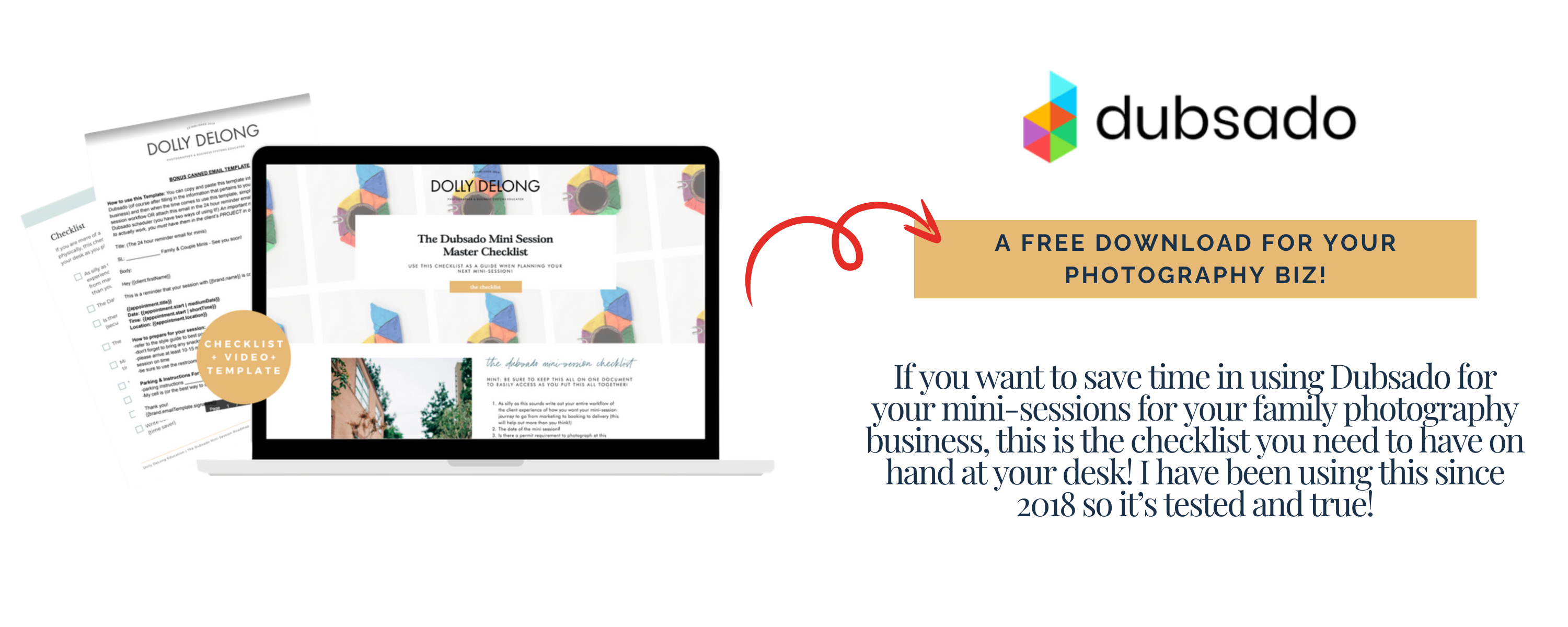
Instead of opening your inbox and hoping your memory surfaces the right family, you open one dashboard and see every inquiry in every stage. You can rename statuses to match how you think about your work. The scheduler belongs in this same category, and I use it for every mini session I run. Instead of trading messages about whether 11:00 or 11:30 works, you send one link and families book themselves. Because the scheduler lives inside your CRM, that booking triggers a workflow, so the contract, the invoice, and the prep email go out without you touching anything. My Dubsado mini session checklist walks through that setup at no cost.
What Can a CRM Not Do for Your Family Photography Business?
A CRM manages what gets sent to your client, but it cannot manage what you have to do behind the scenes, which is where most dropped balls happen. A whole category of fall tasks no automation can touch. Formatting SD cards, charging batteries, packing goodie bags for the kids, rereading contract notes to check whether that family asked you not to post images online, buying a client gift, recording mileage, pulling your favorite twenty images for a blog post, writing the thank-you card. Those are the tasks that fall apart in October, because they live in your head and the bare minimum starts to feel acceptable. That gap is why I built the second half of my own system.
How Do You Build a Visual Workflow Board Alongside Your CRM?
Map your entire client process left to right in Trello, with lists as stages and cards as clients, then drag each card forward as that family moves through your process. My CRM handles client-facing communication, and my Trello board handles everything living in my brain. Together, they cover the full experience from first inquiry to thank-you card. I also set up a Zap between Zapier and Dubsado so every new contact form submission becomes a card, with built-in first-, second-, and third-follow-up steps.
Here is how the structure works. The lists run left to right and read like a book, and each card represents an individual family. As a family moves forward, their card moves forward, and the checklist inside that card tells you the next step without any guessing. When you map yours, answer these questions in order:
- How many inquiry follow-ups do you send before you close out a lead?
- What happens the moment someone says yes, and what’s automated?
- What does the stretch between booking and session day include, and what goes out the day before?
- What does your editing and sneak peek timeline look like?
- What happens after gallery delivery, including your testimonial request?
- How are you using those images for blogging and SEO, so future families find you?
- Where does the project get archived so it stops cluttering your CRM?
That last question about content matters more than photographers expect. Serving one family well is client experience, and turning that session into a blog post is marketing. If blogging keeps slipping, The Blogging and Organic Visibility System for Family Photographers gives you a repeatable structure for that half of the work. 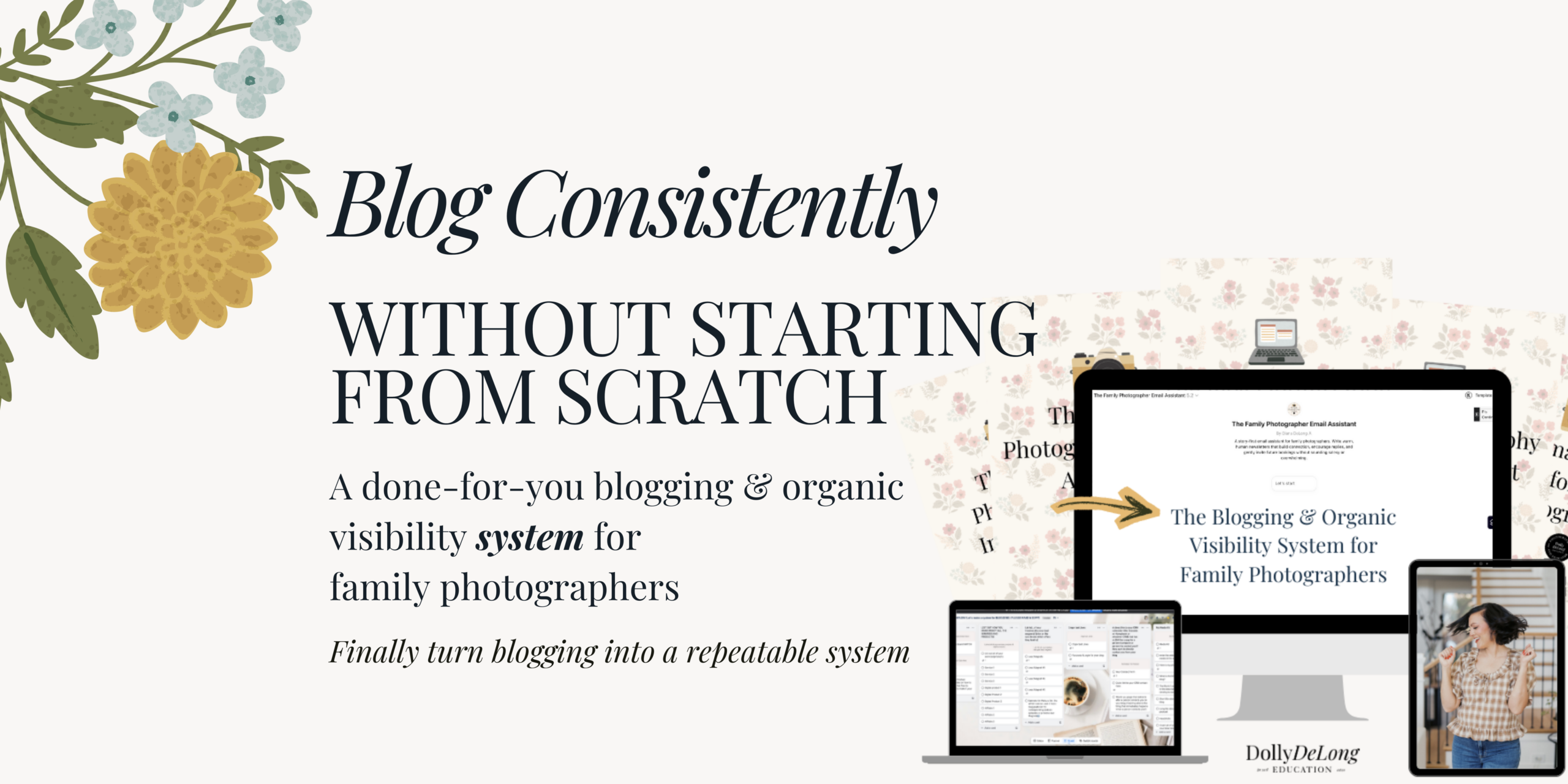
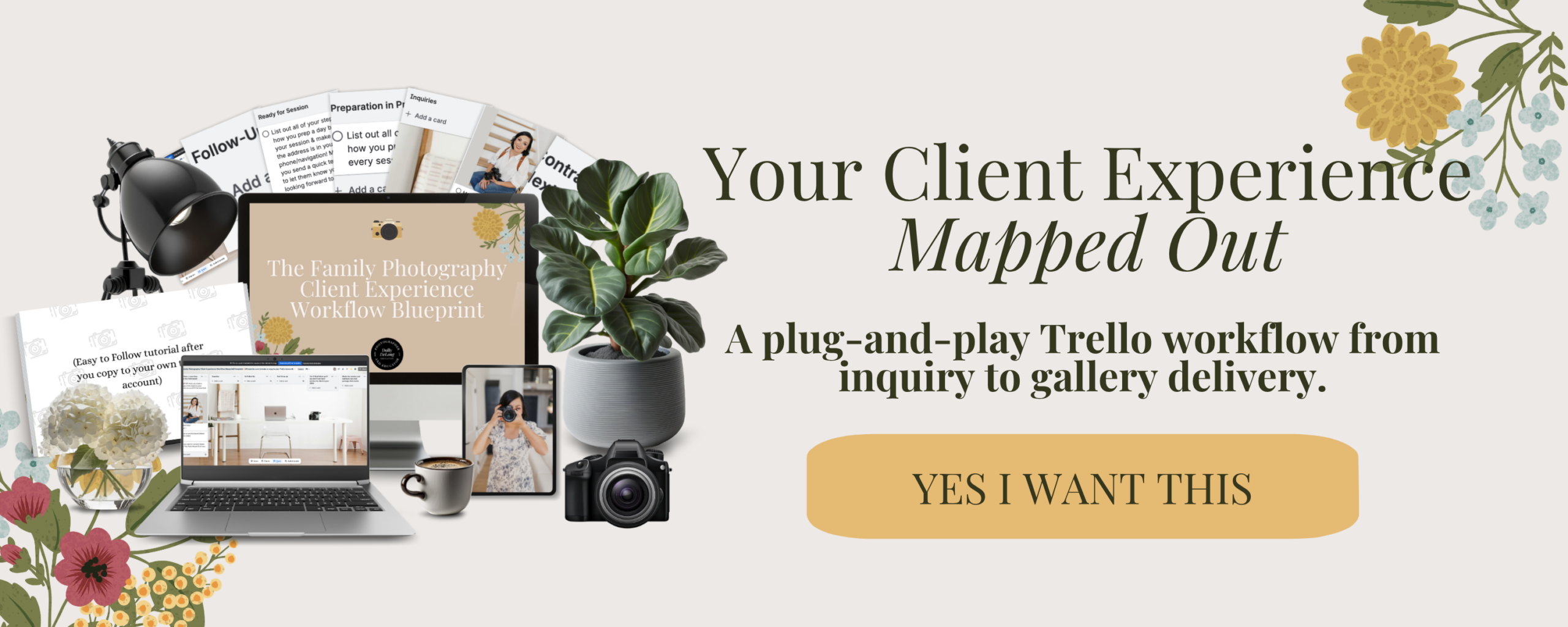
If you want a skeleton instead of a blank screen, I turned my full process into The Family Photographer’s Workflow Blueprint. It is a customizable Trello board with every list, card, and checklist built out from first inquiry through gallery delivery, plus a walkthrough video showing how to run it alongside your CRM. It is a template, not a course, and you reuse it every year.
What Is the Smallest First Step You Can Take Today?
Open a blank document and write down every step of your current client process, from the moment someone inquires to the moment you archive the project. Do not organize it. Just empty your head. That messy list is the beginning of your workflow. It has lived this whole time where nobody could see it, including you, and writing it down is what makes it real. Once it exists on paper, move it into your project management tool, your CRM, or both.
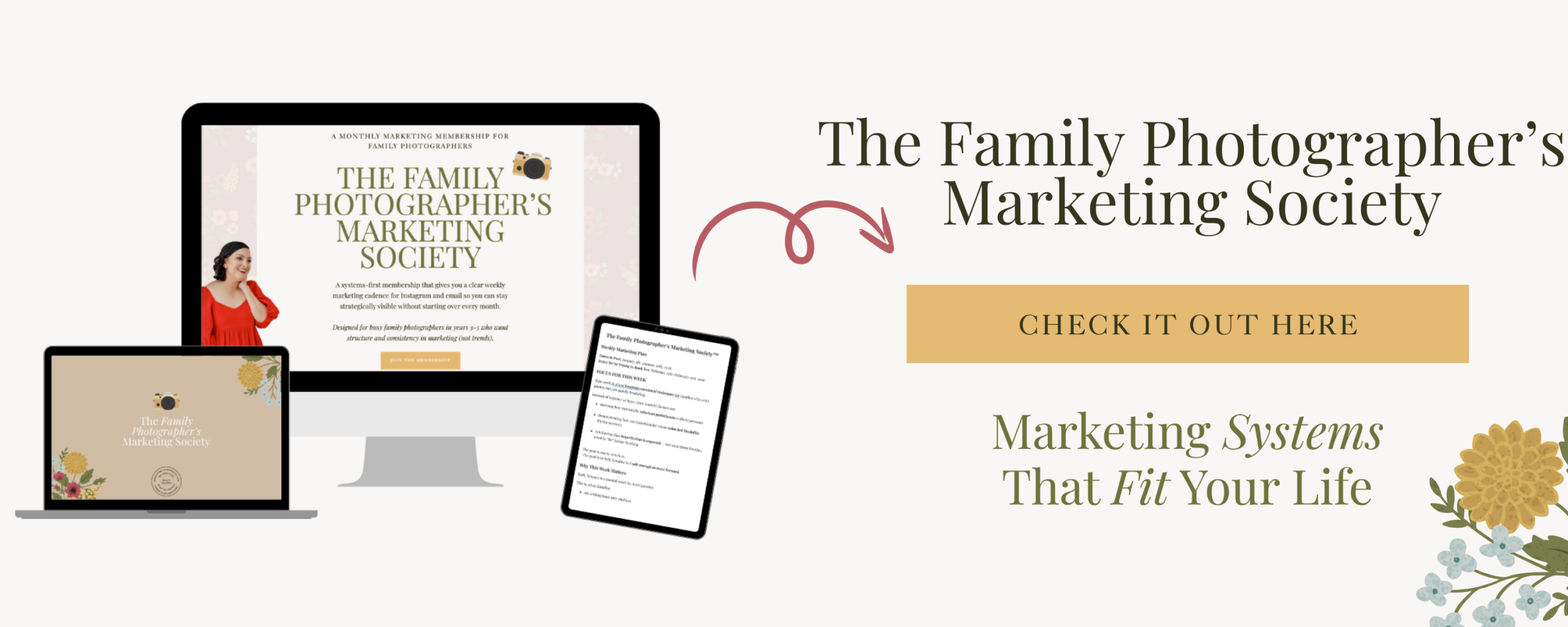
Your client workflow is retention. It is the reason families book you again, because they felt cared for from the first email through the final print. Building it does not require becoming a different person or waking up at five in the morning. It requires getting the process out of your head one time and then following it. Structure over guessing, systems over scrambling. And if the bigger struggle is marketing consistency, the never knowing what to post and the restarting from scratch every month, that is why I created The Family Photographer’s Marketing Society. Every week you receive a clear marketing cadence so you stop guessing what to post and what to email.
So…which of the three Dubsado features are you setting up first: templates, workflows, or project statuses? Pick one and build it this week, before your calendar fills.
Frequently Asked Questions About Family Photography Workflows
What is a family photography workflow? A family photography workflow is the documented set of steps that moves a family from first inquiry through session, gallery delivery, and follow-up. It includes both the client-facing pieces like emails and contracts and the behind-the-scenes tasks like packing gear and logging mileage.
Do I need a CRM if I only photograph part-time? Yes, and part-time photographers often benefit most because you have less margin for repeated decisions. A CRM holds your contracts, invoices, and emails in one place, so a slow week doesn’t turn into a forgotten inquiry.
Which Dubsado feature should I set up first? Start with canned email templates: your inquiry response, session prep email, and gallery delivery email. Those three cover the messages you send most often and take the least time to build.
Will automation make my client experience feel cold? No, as long as you automate the predictable, timing-based tasks and keep the personal moments manual. Automation handles the prep email that goes out 48 hours before a session, so you can stay available for the parts that need you.
Can I use Trello and a CRM at the same time? Yes, and I recommend it. Your CRM manages what gets sent to the client, and your Trello board manages your personal task list, which is where most missed steps happen. You can also use your project management tool alongside your CRM.
How long does it take to build a client workflow? Mapping your process on paper takes about an hour. Building your first three email templates and one inquiry workflow inside your CRM takes a focused afternoon.
What if I photograph more than families? The same structure applies to newborn, maternity, branding, and senior work. Build one process for your most booked service first, then duplicate and adjust it for the others.
Meet Your Favorite Marketing Strategist and Business Coach for Family Photographers (Dolly DeLong Education)

Hi, I’m Dolly DeLong, a Nashville-based family photographer, marketing strategist, and systems educator for family photographers who want structure, clarity, and consistency in their marketing.
My photography journey began in 2006, and over the years, I built a sustainable family photography business while navigating motherhood, client work, and the realities of running a solo creative business. Along the way, I discovered something unexpected: I loved the backend just as much as the creative side.
What started as organizing my own workflows turned into helping other family photographers simplify their marketing, build repeatable systems, and stop relying on last-minute posting or panic marketing.
Today, I focus exclusively on helping family photographers intentionally market their businesses (not with trends but with consistently showing up).
I offer two ways to work with me:
-
The Family Photographer’s Marketing Society: a systems-first membership that provides a clear weekly marketing cadence for Instagram and email, so you always know what to focus on without starting over.
-
1:1 Strategic Marketing Support for established family photographers who want hands-on guidance in building a sustainable, SEO-supported marketing system.
Through my blog, podcast, and YouTube channel, I teach family photographers how to think like marketers, plan ahead, and create marketing rhythms that support both their business and their family life.
I still photograph families around Nashville because it’s one of my greatest joys. But helping family photographers build calm, consistent marketing systems that actually fit real life is a close second.
I’m so glad you are here, reading this blog, listening to the podcast, or watching the embedded YouTube video. I hope this educational content was helpful. Please let me know what future systems content you would like me to create!
more on me • more on me

More about dolly
Hi, I’m Dolly — a family photographer, marketing strategist, and systems & workflow educator for family photographers who want to find joy (and order) in their business again. Because I still work behind the camera, I understand firsthand how overwhelming the backend of a creative business can feel.
With my launch-strategist brain and a deep love for simple systems, I help photographers build intentional marketing rhythms and workflows that make it easier to show up consistently, attract the right clients, and actually enjoy running (and marketing) their business.
Through my blog, podcast, and YouTube education, I share actionable steps, real talk, and encouragement — all rooted in faith and intention — to help you bring clarity and confidence to your marketing and everyday systems. Because sustainable growth isn’t built on hustle or speed, but on thoughtful planning, consistency, and care.
part cheerleader. part systems guide.
But all dolly.
I'm Dolly

Watch now
This training covers the elements you should include in your photography business contact form.
How to create a contact page that WOWS & converts
no 03. | free training

Download now
Access my exact checklist I use to create my mini sessions every year in Dubsado
The Dubsado
Mini-Session Master Workflow Checklist
no 02. | DOWNLOAD

Get the free guiide
These evergreen posts build confident & consistent marketing
5 Instagram posts every family photographer should be sharing
no 01. | download