
How to Turn One Blog Post Into a Full Week of Marketing Content Using AI
How much time did you actually spend on marketing last week? Not thinking about it. Not feeling guilty about it. Not scrolling Instagram, telling yourself you should probably post something. I mean, actually creating content, writing captions, drafting emails, publishing blog posts, making Pinterest pins, and updating your Google Business Profile.
If you’re like most family photographers I talk to, the answer falls into one of two camps: either “way too many hours” or “honestly, none of it because I was overwhelmed and I froze.” Both answers point to the same root issue, and it’s not laziness. It’s not that you don’t care about marketing. It’s that the way most of us have been taught to create content is broken.
We sit down, open a blank screen, and try to come up with something original for every single platform, every single week. That is exhausting, unwise, and completely unnecessary.
Here’s what I want you to know right now: one blog post can become your email newsletter, your Pinterest pins, your Instagram caption, your Facebook post, your LinkedIn post, and your Google Business Profile update. All of it sounding like you. Not like a robot, not copy-pasted, not some generic template. And the whole thing takes about an hour of production time per week.
I’m going to walk you through exactly how I do this in my own business, step by step.
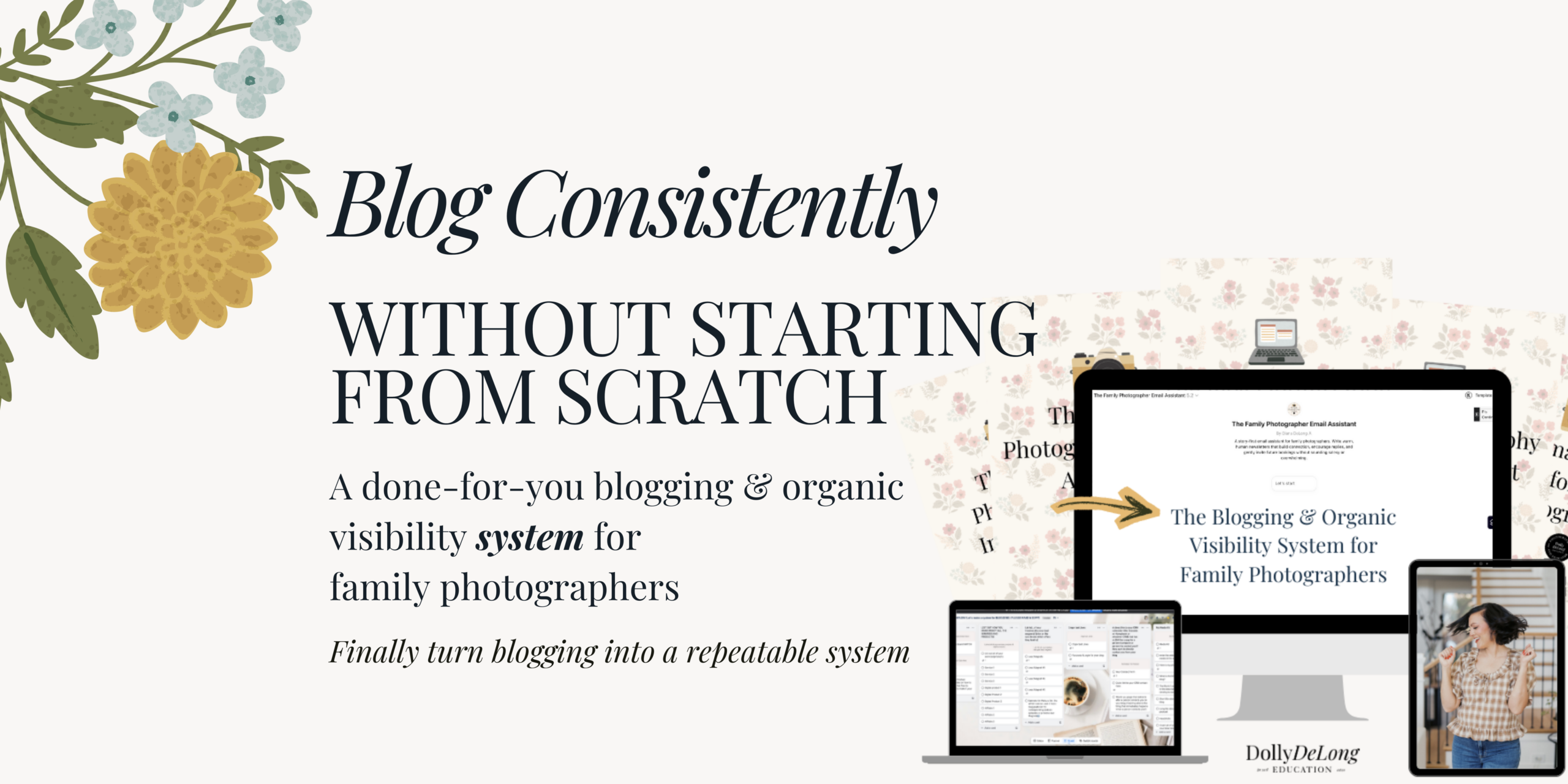
Related: If you want the done-for-you version of this system, grab The Blogging and Organic Visibility System for Family Photographers in my shop. It includes the trained AI bots, the prompts, and the frameworks I use every week.
🎙️Listen to the Podcast version of this blog
Why Does AI Content Sound So Generic for Most Photographers?
AI content sounds generic because most photographers skip the training step and ask AI to write without any context about their brand, voice, or audience.
This is the part that isn’t glamorous, but it’s the part that makes everything else work. Think about it this way: if you hired a virtual assistant to write your social media captions, you would not just hand them your Instagram login and say, “Go for it.” (Okay, maybe some of us have done that. No judgment.) But ideally, you’d train them. You’d show them examples of captions you love. You’d tell them what your brand sounds like, what words you use, what words you never use, and who your ideal client is.
AI is no different. If you want it to write content that sounds like you, you have to train it first. And the way you do that is by building what I call a brand voice guidebook.
Here’s a quick example of why this matters so much. Without a brand voice guidebook, if you ask AI to write an Instagram caption about a maternity session, you’ll get something like: “Celebrating the beautiful journey of motherhood. This stunning mama-to-be glowed during her session. Book your maternity session today.”
That is forgettable. It sounds like every other photographer on Instagram.
But with a brand voice guidebook loaded into your AI tool, the same request comes back sounding something like: “There’s something about watching a mom rest her hands on her belly and take a deep breath. For a second, she’s not rushing. She’s not thinking about her to-do list. She’s just here, soaking in these quiet golden-hour moments. Sarah, you’re going to look back at these photos and be so glad you said yes.”
Do you hear the difference? The second version has warmth. It has a point of view. It sounds like a real person wrote it, because the AI had the context it needed about who I am, how I talk, and who I’m talking to.
Do you want to see my recommended brand guidebook? Check it out here.
What Goes Into a Brand Voice Guidebook?
A brand voice guidebook includes your bio, your ideal client description, your communication style, your “never say” list, and examples of your best content.
If you want your AI to actually sound like you, you need to spell out a few things clearly. Here’s what to include:
Who you are (the real version). Not just “I’m a photographer.” I mean the specifics. Where are you based? What kind of sessions do you specialize in? What stage of life are you in? What values drive how you run your business? I’m a Nashville-based family photographer, a mom of two young kids, and I work limited hours by design. My faith is central to how I run my business. All of that shapes how I write and how I connect with my audience.
Who you serve. Get specific. For me, that’s moms in the Nashville, Franklin, and Brentwood area who want to document their families growing up. They value real moments over posed perfection. They’re busy, but they want the photography experience to feel easy and warm. The more specific you are, the better your AI content will sound.
How you talk. This is where most photographers get stuck because they’ve never thought about it. Are you warm and casual? A little playful? Do you keep things short and direct, or are you a storyteller? Think about how your actual clients would describe chatting with you, and write that down.
What you would never say. This list is just as important as the words you do use. I never use the word “scale.” I don’t use hype language. I don’t use phrases like “boss babe” or “boss mom.” I have a full list of words and phrases my AI is told to avoid, because nothing makes content sound fake faster than overused buzzwords that your audience can spot from a mile away.
Examples of your best work. Upload your favorite Instagram captions, emails you’re proud of, and blog posts that nail your voice. Label each one clearly so your AI knows what “good” looks like in different formats.
In Claude, you do this by creating a project and uploading your guidebook and example files to the project’s knowledge base. In ChatGPT, you do this by providing custom instructions and uploading reference documents to a custom GPT. Either platform works. The principle is the same: the conversation starts with AI already knowing your voice, your audience, and your offers.
This step will take you two to three hours, and it will be the single highest-return investment of your time in your marketing this year.
Need help getting started? Grab my recommended brand voice guide (from Gemma Bonham Carter).
Why Is the Blog Post the Centerpiece of This Marketing System?
Your blog post is the centerpiece because it lives on your website, ranks in Google search, and provides enough long-form content for AI to pull meaningful marketing material from.
I know blogging can feel old school compared to Instagram. But here’s what a blog post does that no Instagram caption can: it lives on your website permanently, it’s searchable on Google, it’s long-form enough for your AI to extract real content from, and if you wrote it well, it’s already in your voice.
When you publish a blog post, you’re creating a keyword-rich, local, and detailed piece of content about your ideal client’s experience. That single piece of content has everything your AI needs to create the rest of your marketing for the week.
Think of your blog post as the trigger. When you hit publish, that’s the signal that puts the rest of your marketing system into motion.
What Are the Six Marketing Outputs From One Blog Post?
One blog post generates six outputs: an email newsletter, Pinterest pin descriptions, a LinkedIn caption, a Facebook caption, a Google Business Profile update, and an Instagram post.
Let me walk through each one so you can see exactly how this plays out.
Output 1: Your Email Newsletter
You paste the blog post into your trained AI project and ask it to draft an on-brand email that points your list back to the blog. Because your AI already has your brand voice guidebook loaded, plus examples of your best emails, it doesn’t give you a corporate summary. It gives you something that sounds like you’re talking to your community.
Maybe the email opens with a personal story. Maybe it’s a reflection on how fast kids grow up and why documenting these moments matters. Whatever the angle, the email is not a copy-paste of the blog. It’s a conversation that invites readers to go read the full post.
You review it, tweak a few lines (always have human eyes on it), and schedule it in Flodesk or your email tool of choice. That email that used to take you 45 minutes? It just took 10.
Output 2: Pinterest Pin Descriptions
This is where I think most family photographers are leaving so much on the table. Pinterest is a search engine, not just social media. When someone types “summer family photo outfit ideas” or “Nashville family photographer” into Pinterest, your content should be showing up.
You need multiple pins linking to the same blog post, and each pin needs its own unique, keyword-rich description. Most photographers create one pin and call it a day, or skip Pinterest entirely because writing five different descriptions feels painful.
Your trained AI Pinterest project drafts five to eight unique pin descriptions for you, each one slightly different in angle or phrasing, but all optimized for the keywords your ideal clients are searching for. This work compounds over time. Every blog post with 5 to 8 optimized Pinterest pins is another set of searchable doorways that lead families back to your website. Six months from now, a year from now, those pins are still working for you.
Output 3: A LinkedIn Caption (Optional)
If you offer branding photography, headshots, or corporate work alongside family photography, LinkedIn is worth your time. The tone on LinkedIn is different from Instagram. It’s more professional. When your trained AI drafts a LinkedIn version of your blog content, it reframes the story as a professional insight or business lesson rather than just copying what you’d post on Instagram.
Maybe the LinkedIn post is about the value of investing in professional family photos for work-life balance. Maybe it’s about what you’ve learned as a small business owner. The content comes from the same blog, but the angle fits the platform.
Output 4: A Facebook Caption
Facebook rewards longer text, personal stories, and posts that spark conversations. Your trained AI drafts something more conversational and community-oriented. This might be sharing the “why” behind the session, why you love photographing at that particular location, or what summer sessions mean to you as a photographer and a mom.
Past clients engage with this kind of content, and that engagement keeps you visible to their friends who might be looking for a photographer next season.
Honestly, Facebook is just an option for me, but if you market your business on Facebook, this is a good area!
Output 5: A Google Business Profile Update
This is the one that gets me fired up because almost no one in our industry does it consistently. Your Google Business Profile is not just a listing with your hours and phone number. It’s an active marketing channel. Google lets you post direct updates to your profile, and every time you do, you’re signaling to Google that your business is active, relevant, and worth showing to people in your area.
Here’s what a good Google Business Profile update looks like: “Had the most beautiful fall family session at Radnor Lake last week. The Johnsons brought the cozy sweaters and the sweetest energy, and the golden hour light did the rest. If you’re a Nashville family looking for a photographer who captures real moments in real places, I’d love to hear from you.” Then you add a link to the blog post and an optimized image with proper alt text.
That took two minutes to post. It tells Google your business is active, associates your profile with local keywords, gives potential clients a reason to click through to your website, and adds fresh content that Google rewards with better visibility in local search results and Google Maps.
If you’re not posting weekly updates to your Google Business Profile, please hear me on this: just start. This is one of the lowest-lift, highest-return things you can do for your local visibility.
Output 6: Your Instagram Post
Notice that Instagram is last on this list, not first. That’s intentional. Most family photographers start with Instagram and then never get to anything else. They spend all their time and energy on the one platform with the shortest content lifespan and (often) zero SEO value.
Depending on how you’ve set up your AI projects, you can have separate bots trained specifically for reels hooks, carousel posts, or static Instagram captions. You open up the right tool, feed it the blog content, and it drafts hooks or captions written in your voice. You tweak what you want, batch-create your reels with some b-roll footage, and everything points back to the blog.
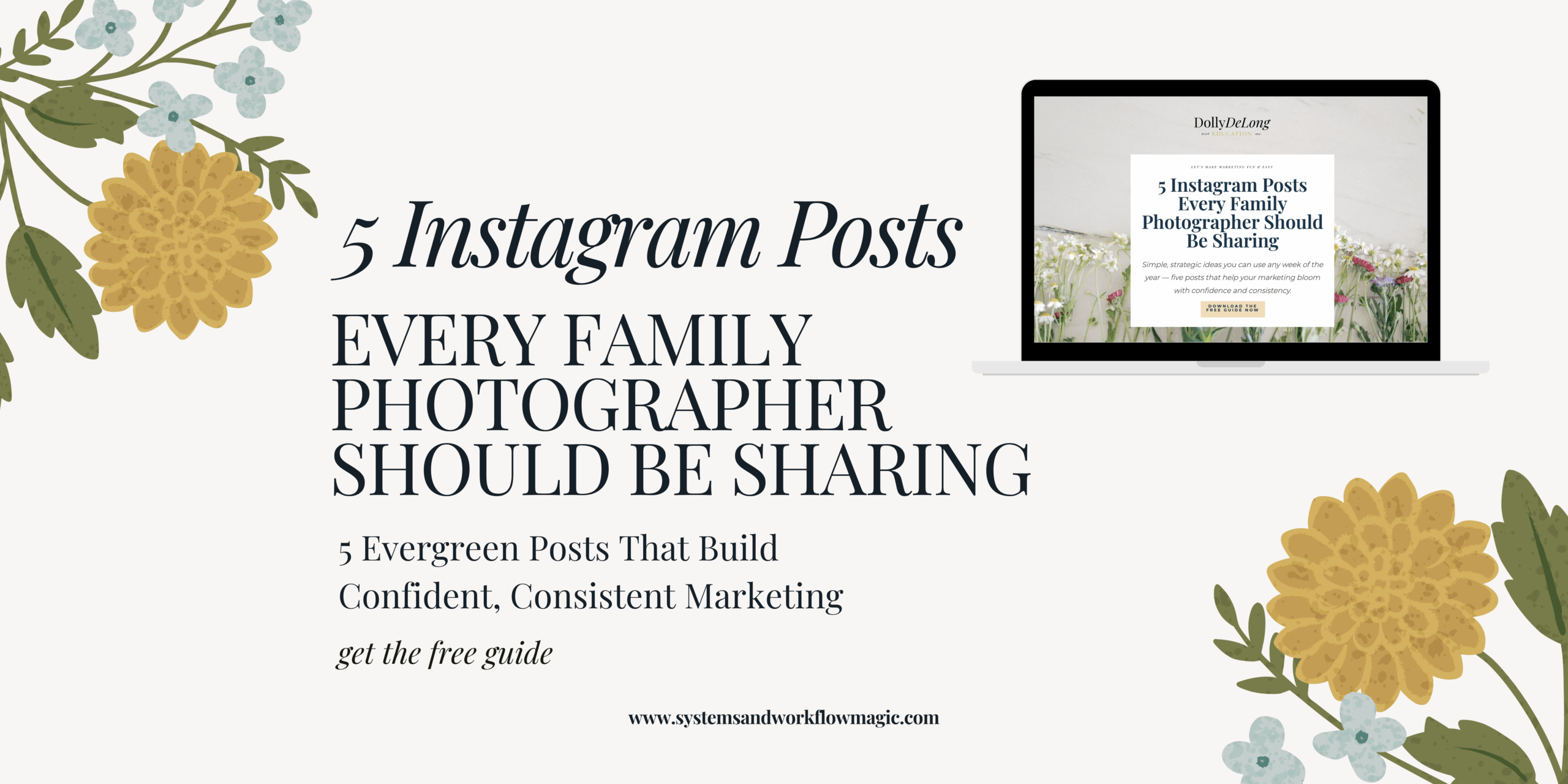
Want more help with your Instagram content? Download my free Instagram Posts for Family Photographers resource.
What Does This System Look Like in a Real Week?
This system takes roughly 1 hour of total production time per week after your blog goes live, compared to 3 to 5 hours spent creating content from scratch.
Here’s the play-by-play:
Monday: You publish your blog post. This is the one piece of anchor content you write yourself (or you use your trained AI blog project to help you draft it from session notes). The blog goes live on your website.
Monday afternoon (about 30 minutes): You use your trained AI projects to draft your email newsletter, Pinterest pin descriptions, LinkedIn caption, Facebook caption, Google Business Profile update, and Instagram caption. Notice this is not taking you hours. The bots are already trained. You’re feeding them a blog post and getting back on-brand drafts.
Tuesday morning (about 20 minutes): You review the drafts. You tweak a few lines, add personal details where you want them, and schedule everything out for the week. Pinterest pins get scheduled. Email gets scheduled. Google Business Profile gets updated. Social posts get queued. Done.
Your entire marketing presence is covered for the week in under an hour of work after the blog goes live. Compare that to spending five-plus hours across the week, starting from scratch for every platform, and probably still not getting to Pinterest or your Google Business Profile.
How Much Content Does This System Create Over a Year?
Publishing one blog post per week with this system yields over 350 individual pieces of marketing content per year, with roughly 52 hours of total production time.
Let me put real numbers on this. One blog post per week means 52 blog posts in a year. Each one generates an email, three to eight Pinterest pins, a LinkedIn post (if applicable), a Facebook post, a Google Business Profile update, and an Instagram caption or reel. That’s over 350 individual pieces of marketing content stemming from 52 blog posts.
Total production time for those 350 pieces? About 52 hours across the year. One hour per week.
A photographer creating every piece from scratch, even if she’s fast, is spending three to four hours per week on content. That’s 150 to 200 hours per year, and I guarantee she’s not covering all six platforms. She’s probably doing Instagram and maybe an occasional email, spending more time and getting less reach.
For those of us working limited hours, building businesses around naptimes, school pickup, and bedtime routines, that difference is everything. This is what it looks like when you think like the chief marketing officer of your own family photography business. You’re not creating more content. You’re creating smarter systems that make one piece of anchor content feed everything else.
Does AI Replace You in This System?
AI does not replace you. It multiplies you. But only when you invest in training it with your brand voice, your audience, and your content examples first.
I want to be really clear about this because I think it matters. If you skip the brand voice guidebook and just start asking AI to write you a caption, you’re going to get generic content that doesn’t sound like you. And then you’ll decide AI “doesn’t work,” when the real issue is that you never trained it.
But when you take the time to build that guidebook, upload your best examples, and tell the AI exactly how you talk and who you’re talking to, something shifts. The output starts sounding like you on a good day. Your role changes from content creator staring at a blank screen to content director who gives a brief and reviews the output. That’s a completely different way of working, and it actually fits inside a 15-hour work week.
One more thing: your brand voice guidebook is not a one-and-done document. Every time you get an output that doesn’t sound quite right, that’s your chance to give feedback. Go back, refine the guidebook, add a note like “I would never phrase it this way” or “when writing emails, I always open with a personal story before anything else.” Every correction makes the next output better. Over time, the amount of editing you need to do shrinks and shrinks.
Your Three Action Steps This Week
Step 1: Build your brand voice guidebook. Everything I’ve talked about today is useless until you do this. Block off two to three hours this weekend and write it out. Include who you are, who you serve, how you talk, what you never say, and examples of your best content.
Step 2: Start treating your blog post as your weekly marketing trigger. It’s not just a page on your website. One blog post fuels your entire marketing ecosystem: email, Pinterest, social media, and Google Business Profile. That’s the system.
Step 3: Remember that AI multiplies you, it doesn’t replace you. The upfront training work is real and it matters. But once it’s done, you’ve built yourself a marketing system that gives you hours back every single week and still sounds like your brand.
Ready to Skip the DIY and Grab the System I Use?
If you’re thinking, “Okay, Dolly, I’m in, but I don’t want to build all of this from scratch myself,” I’ve built The Blogging and Organic Visibility System for Family Photographers for exactly this situation. It’s a suite of trained AI bots with the frameworks, prompts, and structures you need to go from one blog post to a full week of marketing content. I’ve created versions for both Claude and ChatGPT so you can use whichever tool you prefer.
These aren’t generic prompts. These are bots I’ve built and tested in my own business, trained on the specific needs of family photographers. They know how to write blog posts with local SEO in mind, draft email newsletters that feel personal, create Pinterest descriptions that are actually optimized for search, and draft content for every platform we talked about today.
And if you have a photographer friend who’s spending too many hours on content creation every week, send them this post. Getting this system in front of more photographers is something that honestly gets me fired up because I know how much time it saves and how much stress it removes.
You’ve got this, you amazing muggle, you. Now go build a marketing system that actually works for your business and your life.
Frequently Asked Questions
What AI tool is best for repurposing blog content as a family photographer?
Both Claude and ChatGPT work well for content repurposing. The key is training whichever tool you choose with your brand voice guidebook and content examples, not which platform you pick.
How long does it take to set up a brand voice guidebook for AI?
Most photographers can build a thorough brand voice guidebook in two to three hours. Include your bio, ideal client profile, communication style, “never say” list, and examples of your best content across formats.
Can AI really write content that sounds like me?
Yes, when you train it properly. Loading your brand voice guidebook, uploading real content examples, and refining outputs over time teaches the AI to match your tone, vocabulary, and style closely.
How often should I update my Google Business Profile?
Posting at least one update per week signals to Google that your business is active and relevant, which improves your visibility in local search results and Google Maps.
Is blogging still worth it for family photographers?
Blog posts live permanently on your website, rank in Google search, and provide the long-form content needed to fuel your entire weekly marketing system. Unlike social media posts, blogs continue driving traffic for months and years.
Meet Your Favorite Marketing Strategist and Business Coach for Family Photographers (Dolly DeLong Education)

Hi, I’m Dolly DeLong, a Nashville-based family photographer, marketing strategist, and systems educator for family photographers who want structure, clarity, and consistency in their marketing.
My photography journey began in 2006, and over the years, I built a sustainable family photography business while navigating motherhood, client work, and the realities of running a solo creative business. Along the way, I discovered something unexpected: I loved the backend just as much as the creative side.
What started as organizing my own workflows turned into helping other family photographers simplify their marketing, build repeatable systems, and stop relying on last-minute posting or panic marketing.
Today, I focus exclusively on helping family photographers intentionally market their businesses (not with trends but with consistently showing up).
I offer two ways to work with me:
-
The Family Photographer’s Marketing Society: a systems-first membership that provides a clear weekly marketing cadence for Instagram and email, so you always know what to focus on without starting over.
-
1:1 Strategic Marketing Support for established family photographers who want hands-on guidance in building a sustainable, SEO-supported marketing system.
Through my blog, podcast, and YouTube channel, I teach family photographers how to think like marketers, plan ahead, and create marketing rhythms that support both their business and their family life.
I still photograph families around Nashville because it’s one of my greatest joys. But helping family photographers build calm, consistent marketing systems that actually fit real life is a close second.
I’m so glad you are here, reading this blog, listening to the podcast, or watching the embedded YouTube video. I hope this educational content was helpful. Please let me know what future systems content you would like me to create!
Leave a Reply
more on me • more on me

More about dolly
Hi, I’m Dolly — a family photographer, marketing strategist, and systems & workflow educator for family photographers who want to find joy (and order) in their business again. Because I still work behind the camera, I understand firsthand how overwhelming the backend of a creative business can feel.
With my launch-strategist brain and a deep love for simple systems, I help photographers build intentional marketing rhythms and workflows that make it easier to show up consistently, attract the right clients, and actually enjoy running (and marketing) their business.
Through my blog, podcast, and YouTube education, I share actionable steps, real talk, and encouragement — all rooted in faith and intention — to help you bring clarity and confidence to your marketing and everyday systems. Because sustainable growth isn’t built on hustle or speed, but on thoughtful planning, consistency, and care.
part cheerleader. part systems guide.
But all dolly.
I'm Dolly

Watch now
This training covers the elements you should include in your photography business contact form.
How to create a contact page that WOWS & converts
no 03. | free training

Download now
Access my exact checklist I use to create my mini sessions every year in Dubsado
The Dubsado
Mini-Session Master Workflow Checklist
no 02. | DOWNLOAD

Get the free guiide
These evergreen posts build confident & consistent marketing
5 Instagram posts every family photographer should be sharing
no 01. | download



What a wonderful idea! Ic ans ee this being very sueful for a number of things!
What a wonderful idea! I can see this being very sueful for a number of things!